


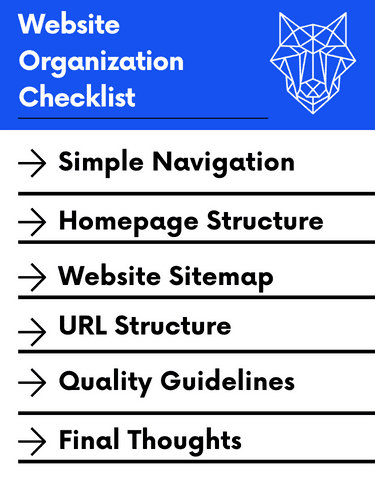
Website organization is the most critical aspect of your online presence. Your website navigation, homepage, and sitemap all have an impact on your site’s bounce rate, search engine optimization, and conversions. Use this guide as an overview of how to organize your website in 2025.
Website Navigation
Your website’s main navigation is what most people think of when looking at site organization. This is how the main menu is laid out and directly reflects user experience, conversions, and SEO performance.
Generally speaking, you want your menu grouped by category (i.e. services, about, resources, etc) and pages should be listed from left to right, top-down, in order of importance. So, your most important page should be the first page listed on the top left of your navigation. The exception to this rule is your call to action, which is almost always listed on the far right of your menus.
Additionally, you want your main navigation to be concise and as simple as possible. The less concise and less simple it is, the harder users will find it to navigate and are less likely to convert.
Lastly, not every webpage needs to be listed in the main navigation. You may also include important pages in the footer, but any other pages can be linked from the pages in your menus.
The Home Page
Another consideration to your website organization is your homepage. Your homepage should be the home base of everything on your site so we recommend having each section of your homepage have a different aspect of each page in your main navigation.
To illustrate, you might list your services, about, resources, and then contact information on your home page in that order as you scroll down. Try to have links to each page for more information as the user scrolls through each section on the home page.
Website Sitemap
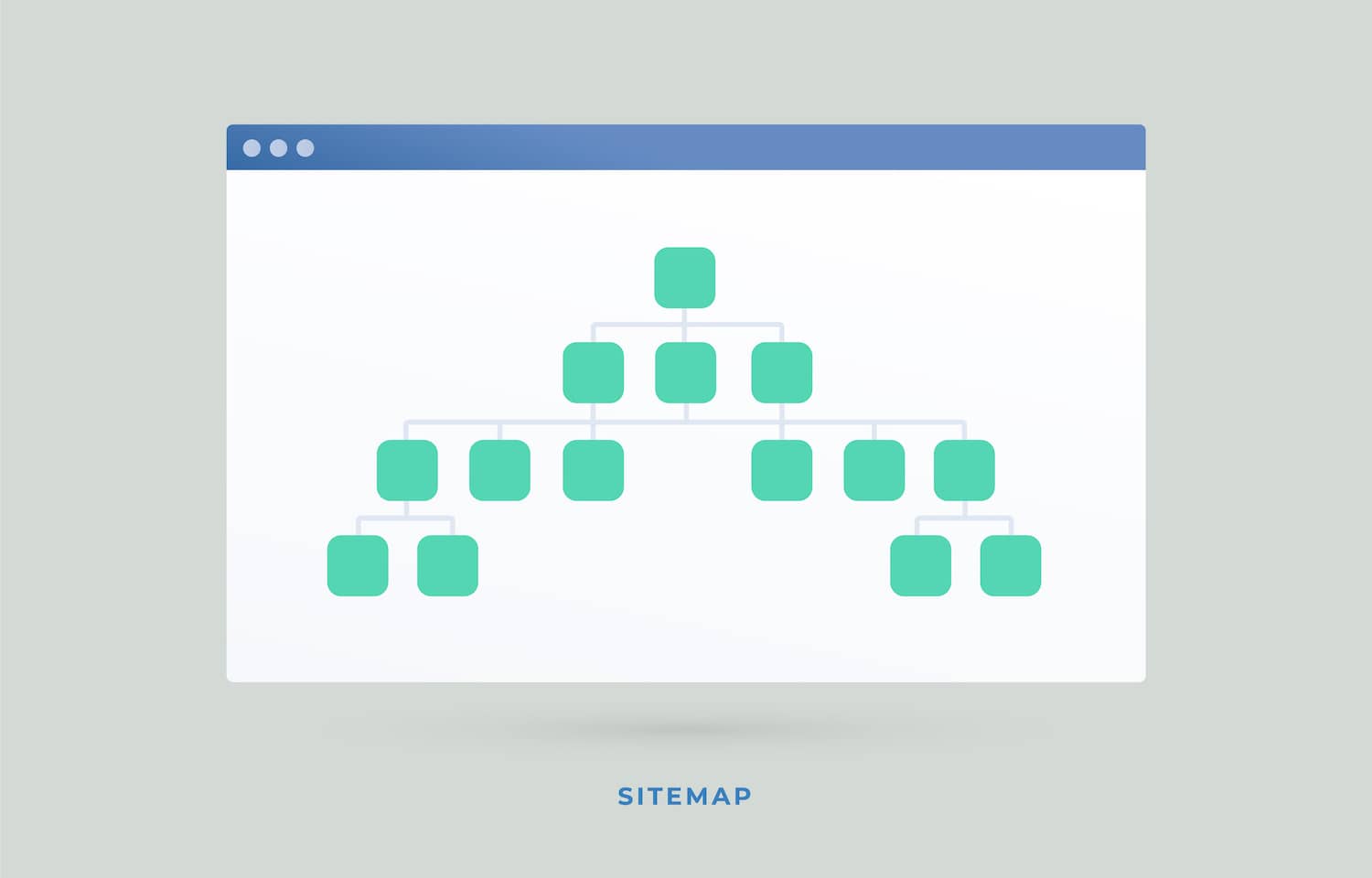
Next up is the website sitemap. We have a full blog post on what it is and how to create one, but ultimately, you need to make sure you have one and submit it to Google Seach Console.
Your sitemap shows every webpage your site has and makes it easy for bots to crawl and understand all the different pages on your website.
Technicals
URL Structure
Your URL structure should be simple and clean as well. Avoid numbers, symbols, and dates in your URLs. Instead, use URLs to describe the page. For example, sample.com/hvac-services/ is better than sample.com/hvacservices123/.
Parent Pages
Parent pages can sometimes be important to use to show relationships between pages. For example, instead of listing services like this:
- /services/
- /service-1/
- /services-2/
- /services-3/
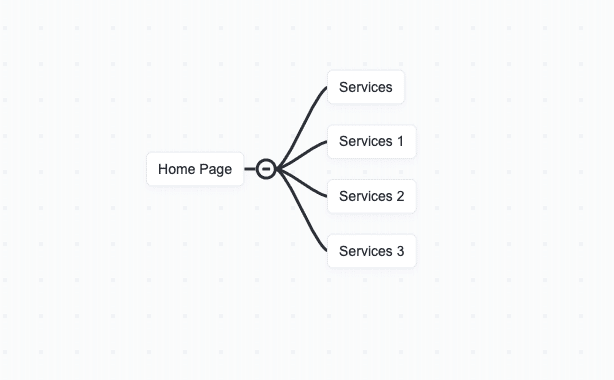
You could list your site structure like the following:
- /services/
- /services/1/
- /services/2/
- /services/3/
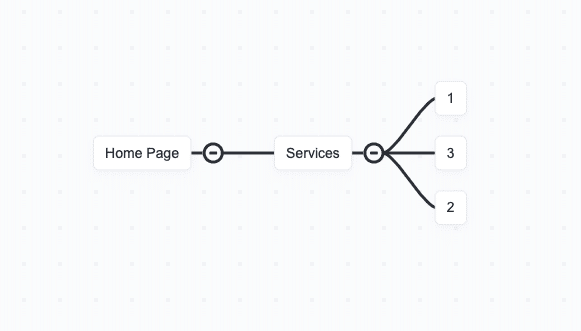
While there is no right or wrong answer here, sometimes it can be easier for users to understand how your website is architected, especially for large and complex sites.
If you opt to use the second example, be sure to use Breadcrumbs in your web design.
Quality Guidelines
Quality is also very important to your website organization. Here are a few things to avoid when thinking about your website structure:
- Duplicate Pages – duplicate pages and content.
- Doorway Pages – pages that are almost duplicates, but target a similar keyword.
- Sneaky Redirects – avoid sending users to URLs they may not have requested or wanted.
Additional Resources
For more information about website organization best practices, check out Google’s Webmaster Guidelines. At WolfPack Advising, we specialize in building modern websites that are SEO optimized and have great website organization abiding by Google’s Guidelines. So, schedule a consultation with us if you are looking for some assistance.
Check out our resource on domain authority 301 redirects for rebranding.
Website Organization Final Thoughts
At the end of the day, your website organization should be built around people in mind, not Google. Follow these tips to ensure your website is organized properly:
- Keep your website navigation simple and concise.
- Ensure your homepage lists different aspects of your total website.
- Build a website sitemap.
- Keep your website URLs short and descriptive. Avoid numbers, dates, or random letters.
- Pay attention to Google’s quality guidelines in Google’s Webmaster guidelines.
If you need help with your site organization, comment below!