FieldRoutes, GorillaDesk, or Jobber sync
Sync Manager connects your route software, so customers and jobs flow into your CRM on their own.
01 / Services
Every channel. One pack.
Brand, leads, and automation under one roof, tracked to revenue.
Your digital marketing foundation.
Reach people ready to hire you.
Nurture leads. Build lasting relationships.
02 / Who We Help
Built for service businesses.
Home services, construction, and professional practices that live on local leads.
03 / About
Meet the pack.
Former operators. Transparent reporting. Results you own.
04 / Resources
Sharpen your edge.
Guides, a podcast, free tools, and how-to help.
Your route software knows every customer and every service plan. Your marketing should too. We connect FieldRoutes, GorillaDesk, or Jobber to HubSpot or ActiveCampaign and launch the emails and texts that upsell, renew, and win back accounts while your techs are on the route.




The Pest Control Problem
A pest control company lives on recurring revenue. The quarterly customer who adds termite protection, the one-time job that becomes an annual plan, the account that canceled last fall and could come back this spring. Those are the cheapest sales you will ever make, and most of them never get an email.
The data to make it happen is sitting in FieldRoutes or GorillaDesk. The problem is getting it into a marketing system that can act on it. Generic email tools do not know who has a mosquito plan and who does not, so every customer gets the same newsletter, or nothing at all.
We connect your route software to a real CRM, tag every customer by what they buy, and build the campaigns that sell the next service to the right people automatically.

How We Set It Up
We start with the data. Sync Manager, WolfPack’s own integration layer, pulls your customers from FieldRoutes, GorillaDesk, or Jobber into HubSpot or ActiveCampaign as contacts, tagged by their active service plan and service history. New bookings create a deal or record, and completed appointments update it. Your office types nothing.
With the tags in place, targeting gets simple. Quarterly general pest customers without termite coverage get the termite campaign. Customers who canceled get the win-back sequence. Open estimates get a follow-up before the lead goes cold. Seasonal campaigns for mosquitoes, rodents, and termites go to the customers who do not have that service yet, not to everyone.
Each campaign is tied to the revenue it produces, so you see which emails sold services, not just which ones got opened.
Our Approach
A pest control CRM that pays off follows a clear order: learn how you run, build the data model, connect your route software, then train your team. Here is how every WolfPack pest control onboarding works.
We learn how your business runs: your service plans, your route software, how estimates get followed up, and what your office needs to see. If you already have HubSpot, ActiveCampaign, or an email tool, we audit what is there and find what is missing. We also recommend the platform that fits your team and budget, and you get a custom quote from discovery: onboarding is scoped per project, not sold in tiers.
We set up your pipeline, customer and service properties, service plan tags, and automations from our pest control template, adjusted to how you work, and move your customers in clean.
We link FieldRoutes, GorillaDesk, or Jobber through Sync Manager, plus your website forms and other lead sources, so the CRM fills itself with real customer and job data.
We train your office, test every automation against real accounts, and turn them on. From there you can run it yourself or hand it to our CRM Management team.
What's Included
Sync Manager connects your route software, so customers and jobs flow into your CRM on their own.
Every customer tagged by active plan and service history, so campaigns reach the right people.
A personal introduction after the first service that sets up the next one and explains your plans.
Termite, mosquito, rodent, and other add-ons offered only to customers who do not have them yet.
Service agreements get a reminder before they lapse, by email and text, with an easy way to renew.
Canceled and inactive accounts get a timely offer to come back before a competitor reaches them.
Open quotes get a follow-up sequence, and a yearly campaign calendar is built around the pests in your market.
Each campaign and automation reports the services it sold, so you know which emails pay.
Platform Expertise
A pest control email list is only useful if it knows who has what. We tag every synced customer by active plan and service history, so a termite upsell never goes to a termite customer and a win-back never goes to an active account. Targeting is what makes the open rates and the sales happen.
Termite swarms, mosquito season, fall rodent pressure. We build the yearly campaign calendar around the pests in your market, and each campaign goes only to customers who do not already have that service. Your techs get the add-on conversations at the door, and the emails get the ones they miss.
Our team has worked for a pest control company, we serve pest control companies today, and we are an NPMA vendor partner and PestWorld exhibitor. Your CRM specialist already knows the difference between a one-time job and a service agreement, and why renewals are the whole business.
Integrations
Sync Manager is included with every onboarding and every CRM Management plan. Here is what each connection syncs and what it triggers.

What syncs: your customers' names, emails, phone numbers, and service plans as contacts in HubSpot or ActiveCampaign.
What it triggers: a new booking creates a contact and a deal or record in your CRM. A customer synced and tagged by plan is ready for upsell, cross-sell, and renewal automations. A completed appointment updates the record.
How it connects: FieldRoutes API connection through Sync Manager, with scheduled syncs and checks for completed appointments. Works with HubSpot and ActiveCampaign.

What syncs: customers from your GorillaDesk jobs as contacts in HubSpot or ActiveCampaign, tagged by service.
What it triggers: a new job creates a contact and a deal or record in your CRM. A synced customer is ready for targeted follow-up. A completed job updates the record.
How it connects: GorillaDesk connection through Sync Manager, with scheduled syncs and checks for completed jobs. Works with HubSpot and ActiveCampaign.

Jobber jobs and quotes are matched back to the leads that created them, so quote and sales values show up in your ROI reporting.
What syncs: your Jobber customers and jobs into HubSpot or ActiveCampaign.
What it triggers: a new job creates a contact and a deal or record in your CRM. A completed job updates it.
How it connects: Jobber connection through Sync Manager. Works with HubSpot and ActiveCampaign.

Connects HubSpot or ActiveCampaign to thousands of other apps when there is no direct integration, like website forms, scheduling tools, and more.
What it triggers: new record in a connected app creates a contact in your CRM. A completed job in a connected app updates it.
How it connects: Zapier connection through Sync Manager, set up by WolfPack. Works with HubSpot and ActiveCampaign.
Why WolfPack
Pest Control Roots
Our team has worked inside a pest control company, we serve pest control companies today, and we are an NPMA vendor partner and PestWorld exhibitor. You are not explaining service agreements or seasonality to us.
Both Platforms
We build on both and we will tell you which one fits. HubSpot for companies that want marketing, sales pipeline, and reporting in one system that scales across routes and branches. ActiveCampaign for companies that mainly want email and SMS automation on a leaner budget.
Sync Manager
Sync Manager, WolfPack’s own integration layer, connects your route software to either platform and is included with every onboarding and every CRM Management plan. It runs behind the scenes, with nothing for your office to manage.
Ownership
Everything we build lives in your own HubSpot or ActiveCampaign account. Your customers, tags, automations, and history stay yours if you ever change platforms or bring management in-house.
Pricing
Three ways to get pest control email and CRM automation built and kept running. Every option includes Sync Manager.
From $750 one-time
Your CRM built from our pest control template, connected to FieldRoutes, GorillaDesk, or Jobber, and launched with your office trained.
Build
Connect
Launch
Keeps your Sync Manager connection and your automations running after launch, without a full management plan.
Basic, Advanced, or Pro per month
Your CRM managed and improved every month, with Sync Manager included.
Basic
Advanced
Pro
Platform licensing is separate: HubSpot is paid directly to HubSpot, and ActiveCampaign is billed through WolfPack. Sync Manager is included with onboarding and with every CRM Management plan.
Meet the Pack

CEO & Founder

CRM Specialist

Operations & Client Success Coordinator
Case Studies
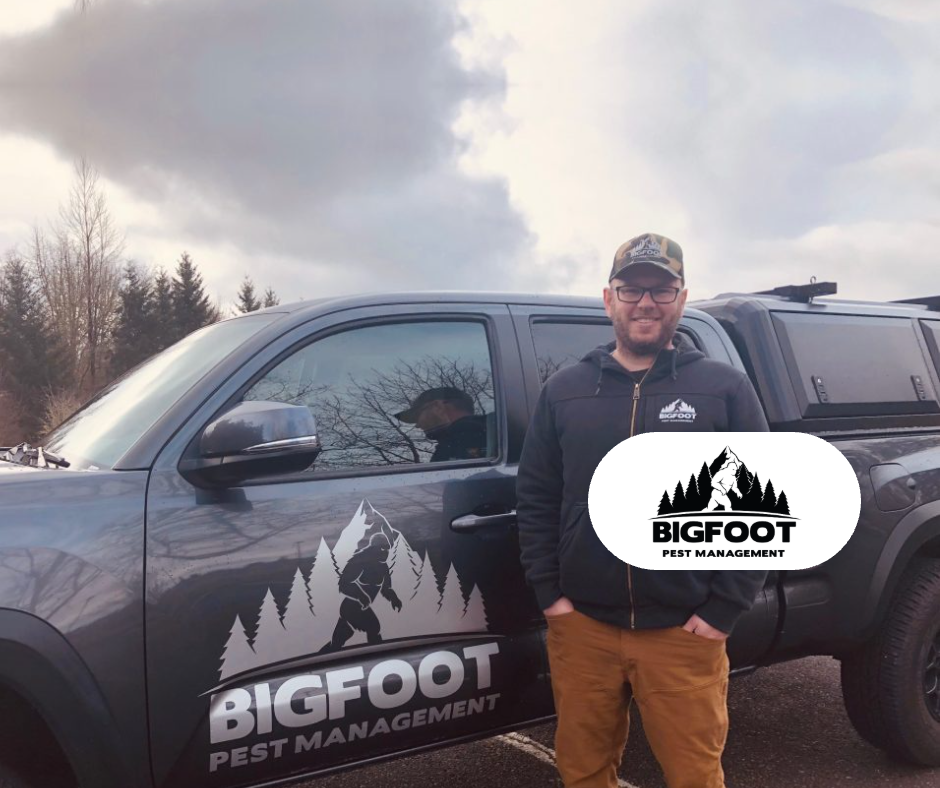
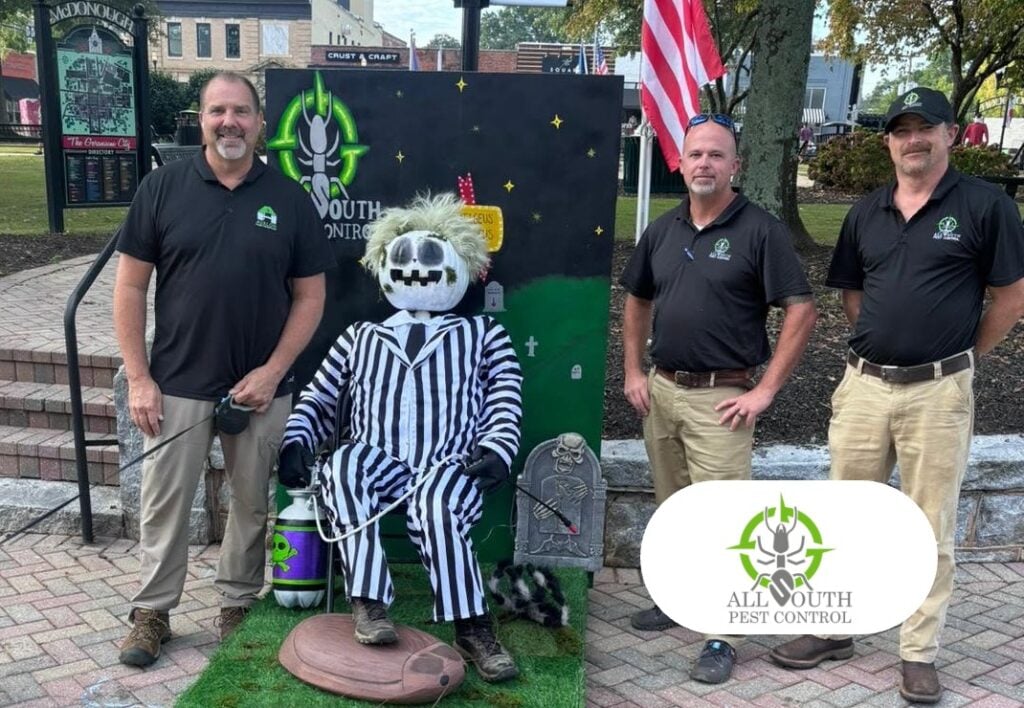
649 tracked leads Leads in 6 Months
Related Reading
Quick Questions
Your route software runs operations. A CRM runs the relationship: the emails, texts, and follow-up that sell the next service and keep accounts from lapsing. The best pest control CRM is one that is synced to FieldRoutes, GorillaDesk, or Jobber, knows every customer’s service plan, and can target campaigns by what each customer has and does not have. Both HubSpot and ActiveCampaign can be set up that way through WolfPack’s Sync Manager. HubSpot fits companies that want marketing, sales pipeline, and reporting in one place. ActiveCampaign fits companies that mainly want strong email and SMS automation on a leaner budget. We build on both and recommend the one that fits.
Yes. WolfPack’s Sync Manager connects FieldRoutes to either HubSpot or ActiveCampaign through the FieldRoutes API, with scheduled syncs and checks for completed appointments. Your customers come across as contacts with their names, emails, phone numbers, and service plans, so they can be tagged and segmented the moment they land. A new booking creates a contact and a deal or record, and a completed appointment updates it, which is what lets upsell, renewal, and win-back automations fire at the right time. Sync Manager is included with every onboarding. See the FieldRoutes integration.
Yes. Sync Manager connects GorillaDesk to either platform with scheduled syncs and checks for completed jobs. Customers from your GorillaDesk jobs come across as contacts tagged by service, a new job creates a contact and a deal or record in your CRM, and a completed job updates it. From there your customers are ready for targeted follow-up: welcome sequences for new accounts, add-on offers for customers who do not have a service yet, and win-back campaigns for accounts that lapse. Jobber connects the same way for other field service teams. See the GorillaDesk integration.
Four things, in this order. Service-specific campaigns that offer termite, mosquito, rodent, or other add-ons only to customers who do not already have them. A seasonal calendar built around the pests in your market, so each email lands when the problem is on the customer’s mind. Lifecycle automations that run on their own: new customer welcome, renewal reminders before an agreement lapses, estimate follow-up, and win-back offers for canceled accounts. And a monthly newsletter that keeps your name in front of every account with useful, local content. All of it only works if your list is synced from your route software and tagged by plan, which is where we start.
Start with the two that pay fastest. Upsell and cross-sell by service plan offers the next service to customers who do not have it yet, which is the cheapest sale you will make. Win-back reaches canceled and inactive accounts with a timely offer before a competitor does. Then add renewal reminders ahead of each agreement’s end date, estimate follow-up for open quotes, and a new customer welcome that sets up the second service. Each automation reports the revenue it produced, so within a season you can see which ones are earning and put more behind them.
Most pest control CRM setups with WolfPack take about 1 to 4 weeks. A single-branch company connecting one piece of route software and launching the core automations is on the short end. A multi-branch company with a large customer import, several service lines, and custom campaigns takes longer. The order is always the same: discovery, build, connect FieldRoutes, GorillaDesk, or Jobber through Sync Manager, then train your office and launch. Results start as soon as the first campaigns go out, because they go to customers already in your software.
There are three parts. First, your platform license: HubSpot pricing is paid directly to HubSpot, and ActiveCampaign pricing is billed through WolfPack. Second, a one-time onboarding fee that starts at $750 and scales with complexity, like the number of branches, integrations, automations, and customers to import. Third, an optional monthly plan: a maintenance plan that keeps your integrations running, CRM Management with dedicated specialist hours each month, or Email Marketing if you want us writing and sending your campaigns. Sync Manager is included with onboarding and with every CRM Management plan. You get a custom quote on your strategy call.
Yes. If you already use HubSpot, ActiveCampaign, or a general email tool, we start with an audit. We review your lists, tags, automations, and data, find what is missing or broken, and fix what matters most first. Then we connect FieldRoutes, GorillaDesk, or Jobber through Sync Manager so your customer data stays current without manual imports, and we add the service plan tags that make targeting work. You keep everything you have built, and it stays in your own account. If you want us to keep it running, our CRM Management service manages and improves it every month.
No. Everything runs off the data your office already enters in FieldRoutes, GorillaDesk, or Jobber. Sync Manager pulls customers, service plans, bookings, and completed appointments into the CRM on a schedule, and the campaigns and automations run from there. Your techs keep working their routes the way they do now. The one thing that helps is accurate service history in your route software, because that is what decides which customer gets which offer. Your office staff get hands-on training on the CRM itself, and most teams only touch it to review results and approve the next campaign.
Reviews
Tell us what you run today. We will map the pest control CRM build, the FieldRoutes or GorillaDesk sync, and the campaigns to launch first, and walk you through it on a short call.