
The next big Google Ads update is coming for your Local Services Ads. Google will move LSAs out of their standalone dashboard and into the main Google Ads platform, and every account will make the switch over the next year or so.
Don’t worry, your leads aren’t going anywhere. Your ads will still show in the same spots, and you’ll still pay per lead, not per click. What will change is where you log in, how bidding works, and how you track results.
We manage LSA accounts for home service businesses every day. Here’s what’s coming, when it will hit your account, and how to get ready.
What Is the Google Update for Local Services Ads?
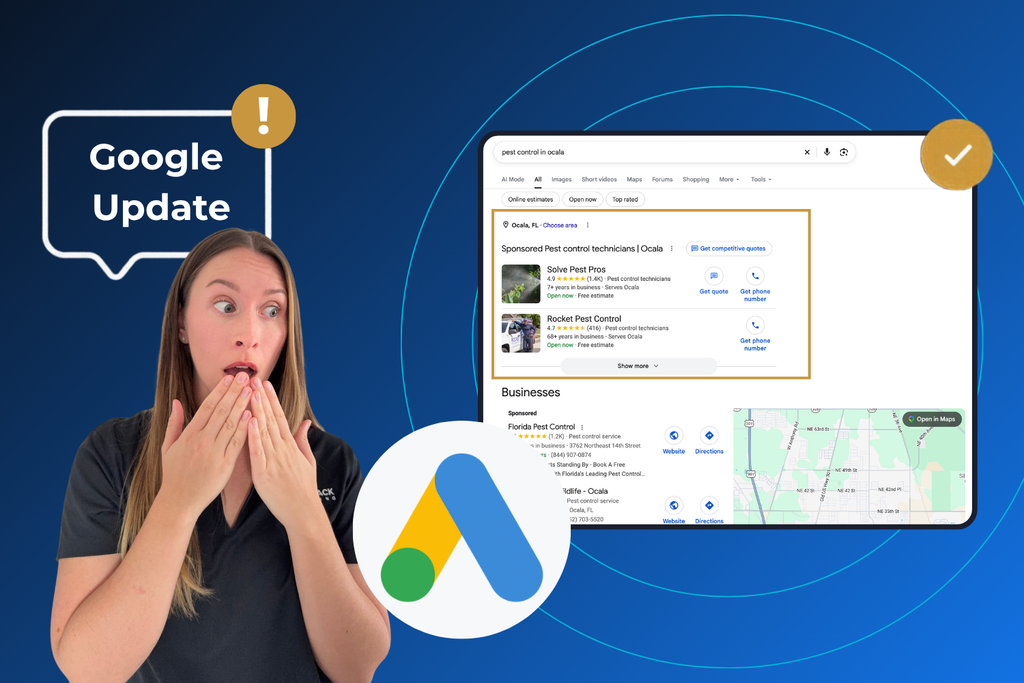
Local Services Ads are not going anywhere. The separate LSA dashboard is. Starting in August 2026, Google has planned to begin moving existing LSA campaigns into Google Ads, where they become a campaign type Google calls Performance Max with pay-per-lead goals.
You do not need to rebuild your campaign. Google handles the move on its end and converts your LSA setup into the new campaign type for you. Google’s goal is to put all of your Google advertising under one roof.
We know the words “Performance Max” make some owners nervous. Regular Performance Max campaigns spread your budget across YouTube, Gmail, banner ads, and more. This version does not. Google has confirmed these pay-per-lead campaigns keep showing only on Google Search and Google Maps, in the same positions your LSAs hold today.
New to LSAs or want a quick refresher on how they compare to regular search campaigns? Our post on Local Services Ads vs. Google Ads walks through the basics.
When Will Your LSA Account Migrate?
Google is not flipping a single switch. It is moving accounts in groups, and each account gets its own migration date. Released timelines are projected; not confirmed quite yet.
| Phase | Who Moves |
|---|---|
| August 2026 | The first group of U.S. home service and storefront businesses |
| Late 2026 | Service-area businesses that don’t have a storefront, plus accounts with custom bidding or booking setups |
| 2027 | Businesses outside the U.S. and any categories that didn’t move in 2026 |
You won’t be caught off guard. Google emails each account about two weeks before its move date. In the meantime, you keep using the LSA dashboard exactly like you do now.
Keep in mind, if you run your business from a truck instead of a storefront, which describes most home inspectors, pest control operators, and pressure washers, you are probably in one of the later groups. That means you have extra time to prepare, and it’s worth using.
What Stays the Same After the Google Update?
Good news first: the parts of LSAs that make your phone ring are not changing.
- You will still pay per lead. Google confirms you are only charged for valid leads like calls and messages, not for clicks.
- Your ads stay in the same place. Google says your ads keep showing on Search and Maps, in the same positions as before.
- There will still be no keywords to manage. Your campaign keeps pulling its information from your Google Business Profile.
- Your past leads come with you. Your lead history moves into Google Ads. Your performance reports do not (more on that below).
In addition, you won’t need to write headlines or make videos. The creative pieces that regular Performance Max campaigns use don’t apply to these pay-per-lead campaigns, so your LSAs keep running the way they always have.
What Changes?
Four things change in a big way: where you find your leads, how bidding works, which reports you can see, and how your Google Business Profile ties into your ads.
A New Home for Your Leads
Once your account moves, the LSA lead inbox goes away. Google says a new leads table inside Google Ads takes its place, and you’ll find it under Goals, then Conversions, then Leads. This area is called Lead Manager.
The tools you rely on make the trip with you. You can still see whether you were charged for a lead, whether it came in as a call or a message, and give feedback on a lead. You can also download your leads to bring into your CRM. If your business checks the LSA app first thing every morning, plan a quick walkthrough so no one misses a new lead during the switch.
Bidding and Budget Controls
This is the change most owners will notice. Google does not support manual bidding for pay-per-lead campaigns. That means you can no longer set a hard cap on what you’ll pay for each lead once your account migrates.
Bid targets get simpler too. Google says Google Ads does not support setting a different Target CPA for each service category. Instead, you get one target for the whole campaign. If you offer several services, like home inspections plus mold or radon testing, you can’t set a separate target for each one anymore.
Google is also careful about recommending Target CPA at all. Its guidance is to add a Target CPA only if your campaign gets more than 15 leads a month and your cost per lead is higher than you’d like. Google also warns that turning on Target CPA can limit how often your ads show, which can mean fewer leads.
Expect your daily numbers to bounce around a bit. Google notes that since you pay per lead instead of per click, your daily spend can rise and fall with local demand.
Reporting and Historical Data
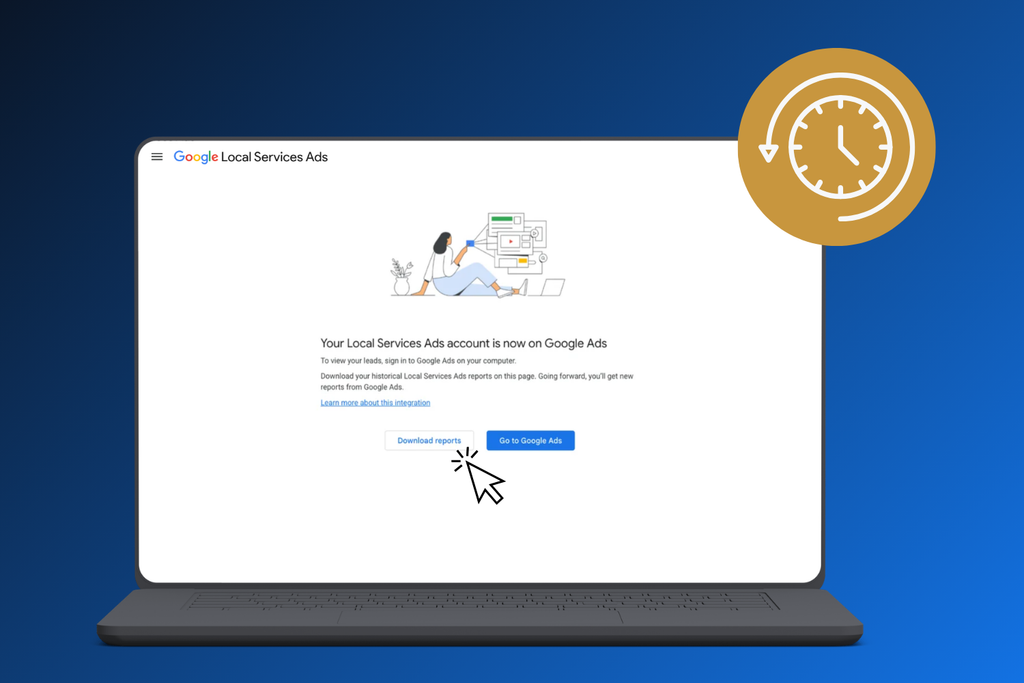
This is the one with a real deadline. Google says that once your account migrates, you lose access to the old LSA dashboard, and your past performance reports do not move over. That includes things like your impressions, weekly spend, and older performance reports.
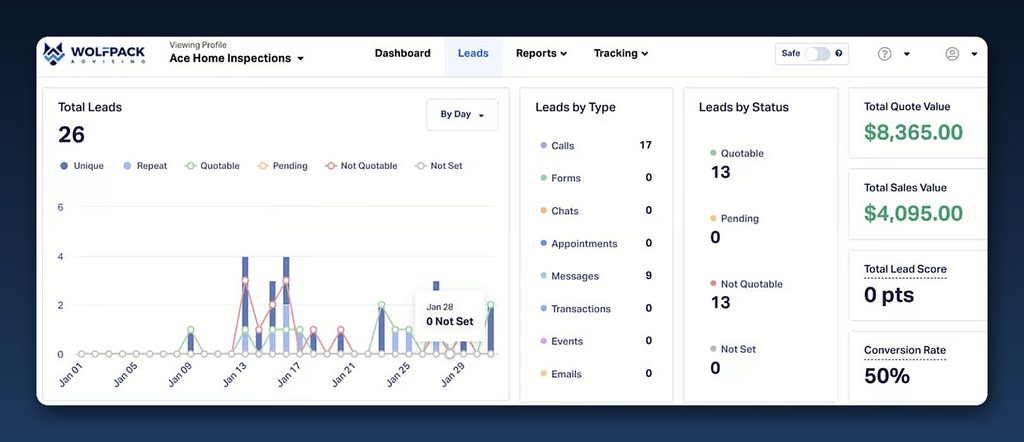
After the Google Ads update, the new dashboard does give you better day-to-day visibility. Google says you can watch your campaign’s performance in real time, including your average cost per lead, which shows up as “Cost / conv.” in Google Ads.
Google Business Profile Sync
Your Google Business Profile matters more than ever. When Google first sets up your pay-per-lead campaign, it fills in your targeting using your profile’s information. Basic details like your business name, address, and hours keep flowing from your profile to your ads.
Here’s the helpful part: Google says you can change your ad targeting, like service areas or ad schedules, without changing your Google Business Profile, and the other way around. So with the right management, you can focus your ads on your best zip codes without shrinking how your business shows up in regular Maps results.
How to Prepare Your LSA Account Before The Google Ads Update
A little prep now saves a lot of frustration later. Work through these steps before your migration email shows up.
- Download your historical reports. Save every LSA report you might want later for year-over-year comparisons, budgeting, or taxes. Once your account moves, those reports are gone for good.
- Clean up your Google Business Profile. Your ads pull from your profile, so check your business name, hours, phone number, categories, and services. Google fills in your service types from the services on your profile. If your profile lists the wrong services, your ads may show for the wrong searches.
- Confirm who has access to your Google Ads account. Make sure you, the business owner, have admin access. Don’t leave it with a former employee or an old vendor. Your leads are about to live in this account.
- Connect leads to real jobs. Lead Manager tells you a lead came in. It doesn’t tell you if that lead booked, paid, or turned into a repeat customer. Your CRM does that job. If you aren’t tracking which leads become booked jobs, now is a great time to set up lead tracking and reporting.
- Document your current settings. Note your budget, bid setup, service areas, schedules, and categories. After the move, you’ll check the new campaign against this list.
- Watch for scams amidst the Google Ads update. Expect your migration notice to come by email. If someone calls out of the blue asking for payment details to “move your account,” hang up and log in to Google Ads yourself.
What to Check in the First Two Weeks After Migration
Don’t panic if the first few days look a little off. In our experience, give a newly migrated campaign about two weeks to settle before making big changes.
During that time, compare your new campaign to your own documentation:
- Daily budget and bid targets. Google recommends opening your pay-per-lead campaign to review your daily budget and bidding targets right after the move.
- Service areas, ad schedules, and categories. Google also suggests reviewing these settings to make sure everything came over the way you expect.
- Lead Manager. Make sure calls and messages are showing up and that your team knows where to look.
- Cost per lead. Watch “Cost / conv.” week over week. One pricey day doesn’t mean something is broken.
Related Questions to Explore
Are Google Local Services Ads going away?
No. Your LSAs keep running in the same spots on Search and Maps. The only thing being retired is the separate dashboard you used to manage them. For more on how LSAs fit with other Google campaigns, see our guide to Local Services Ads vs. Google Ads.
Will my Local Services Ads start showing on YouTube or Display?
No. Even with the Performance Max name, Google keeps these campaigns on Search and Maps only. Your budget won’t drift into video or banner ads.
Can I set a maximum cost per lead?
Not after your account migrates. Google doesn’t support manual bidding for pay-per-lead campaigns. You’ll use automated bidding, with an optional Target CPA for the whole campaign.
Can I create a new pay-per-lead campaign afte the Google Ads update?
Not right now. Google is moving existing LSA accounts over automatically, but you can’t start a brand-new pay-per-lead campaign from scratch inside Google Ads yet.
Do my old leads and reports carry over?
Your leads do. Your performance reports don’t. That’s why downloading them before your migration date is the single most important prep step.
Will my Google Verified badge change?
This update changes where you manage your ads, not your verification. Keep your verification details up to date either way. Our post on the Google Verified badge explains how the badge works.
Who can I contact at Google for migration help?
Google has a dedicated support line for LSA advertisers moving to the new campaign type: +1-844-205-0011. You can also read Google’s official migration help article and its best practices for pay-per-lead campaigns.
When to Call a Professional
If you offer one, single service from one location and get steady leads, you can probably handle this move on your own. It gets trickier when your account has more going on.
It may be time to bring in help if:
- You offer several services
- Your cost per lead jumps after the move and stays high past the two-week mark
- You also run Google Search Ads and need both campaigns working together instead of competing
- You can’t tell which leads turn into booked jobs
- You’re heading into your busy season and don’t have time to learn a new platform
A team that manages LSAs every day can save your reports, document your settings, and watch your account closely through the first few weeks. For one of our home service clients, ad management earned a 6.96x return on ad spend at a $22 cost per lead. Read the PPC case study.
Get Ready For the Google Update
This Google Ads update changes how you manage Local Services Ads, not how customers find you. A little prep now keeps your leads coming through the switch.
- Download your LSA reports before your migration email arrives.
- Plan for manual bidding and per-service bid targets to go away.
- Give the new campaign two weeks before making big changes.
Want a hand getting your account ready? Our advertising management team can walk through your setup with you. Get started with WolfPack, and we’ll help you make the move with confidence.